How to Bulk Invite Members With a .csv File
Log in to the INSIGHTS Excellence Console https://console.insights.md/
-
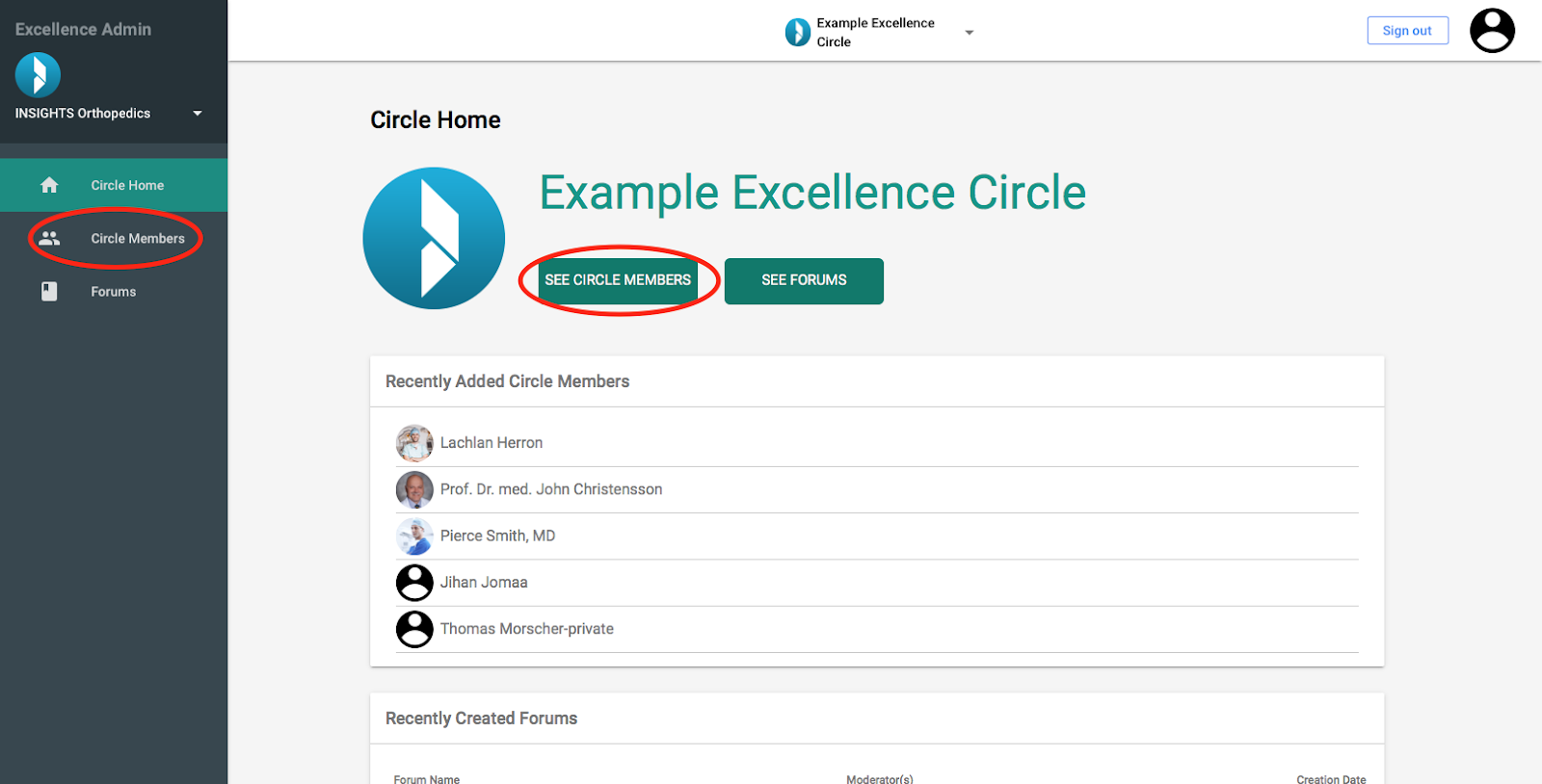
Click on the “See Circle Members” Button or the “Circle Members” tab in the side bar
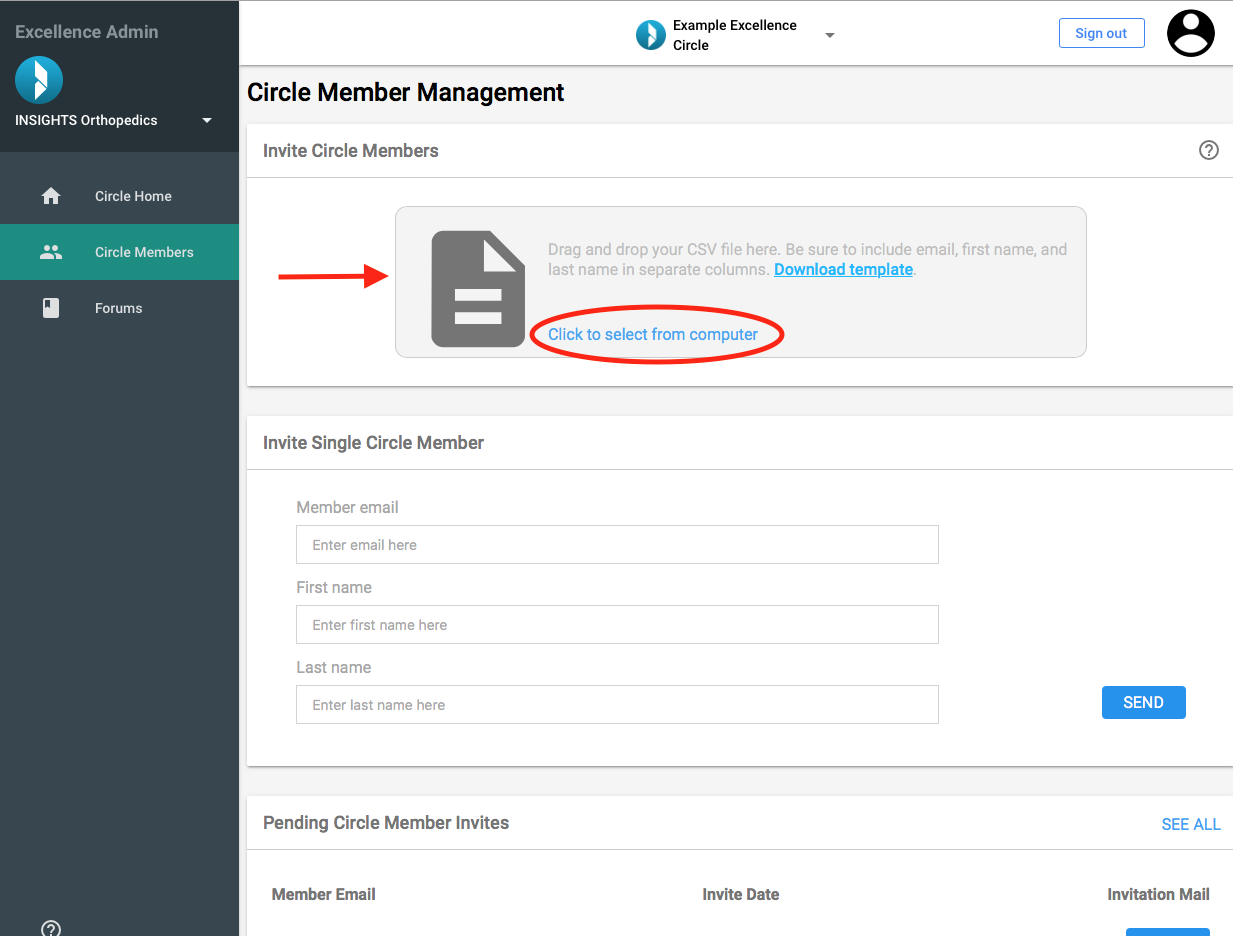
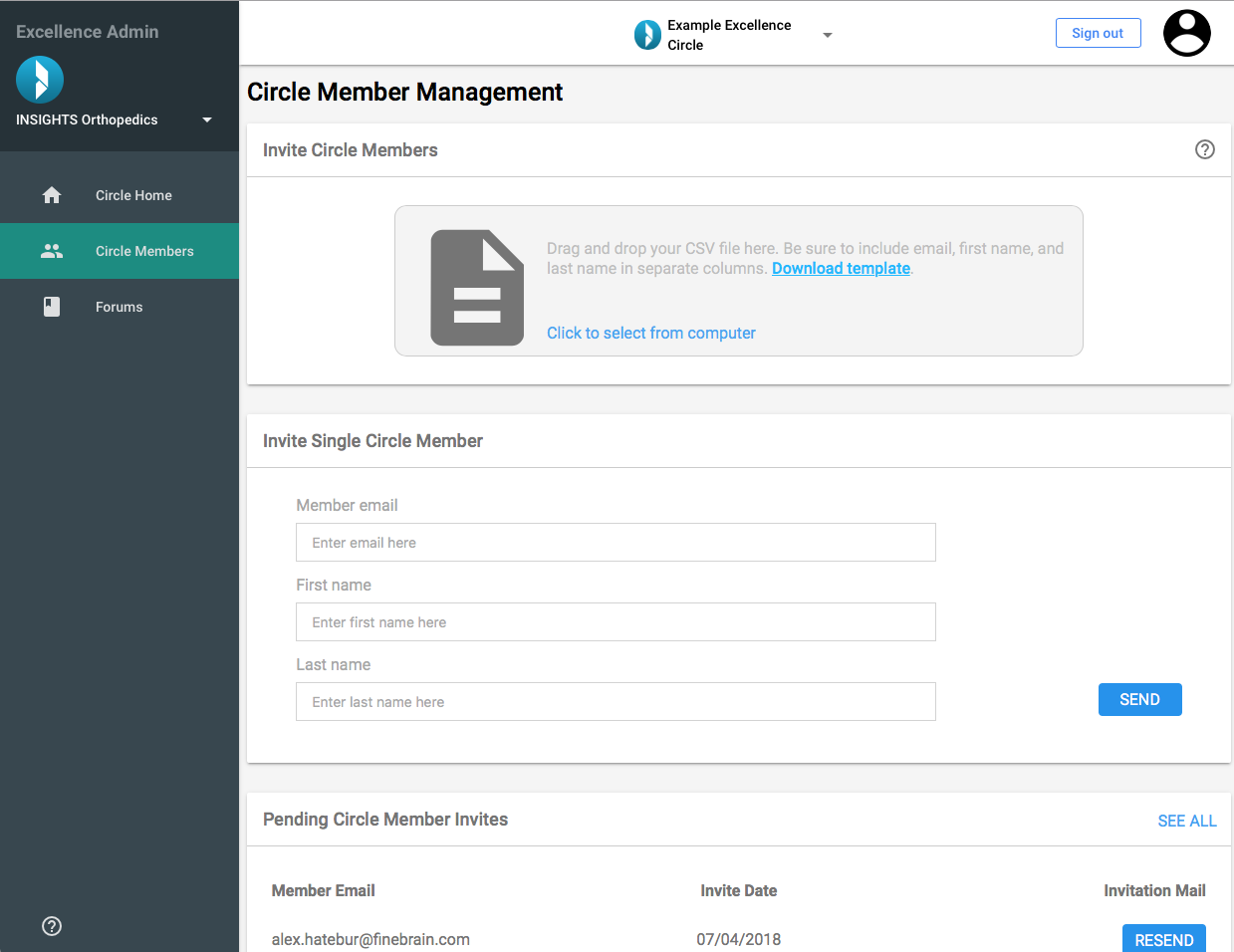
You will be directed to the Page “Circle Member Management”
-
Click “Download template” to download the .csv template
Open the .csv file
Add the details of the members you would like to invite in the first column. Make sure to enter the details as email;firstName;lastName (e.g. info@insights.md;Medical;Insights)
Save the .csv file
-
Back on the console, drag and drop the .csv file or click “Click to select from computer” and select your saved .csv file
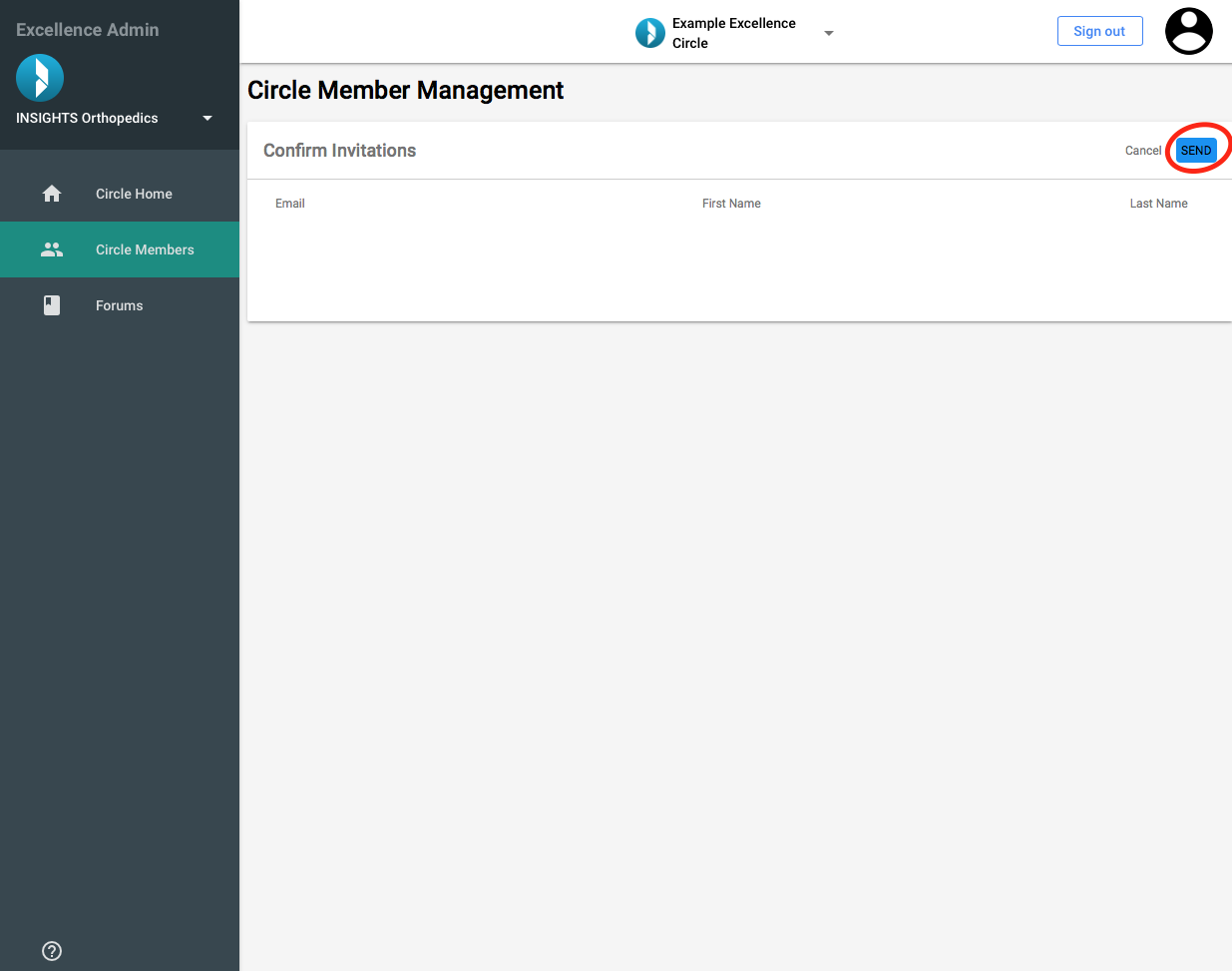
You will then be directed to the “Confirm Invitation” Page. Revise the displayed details to make sure that the member details were added correctly
-
Click “Send” to send your invitations