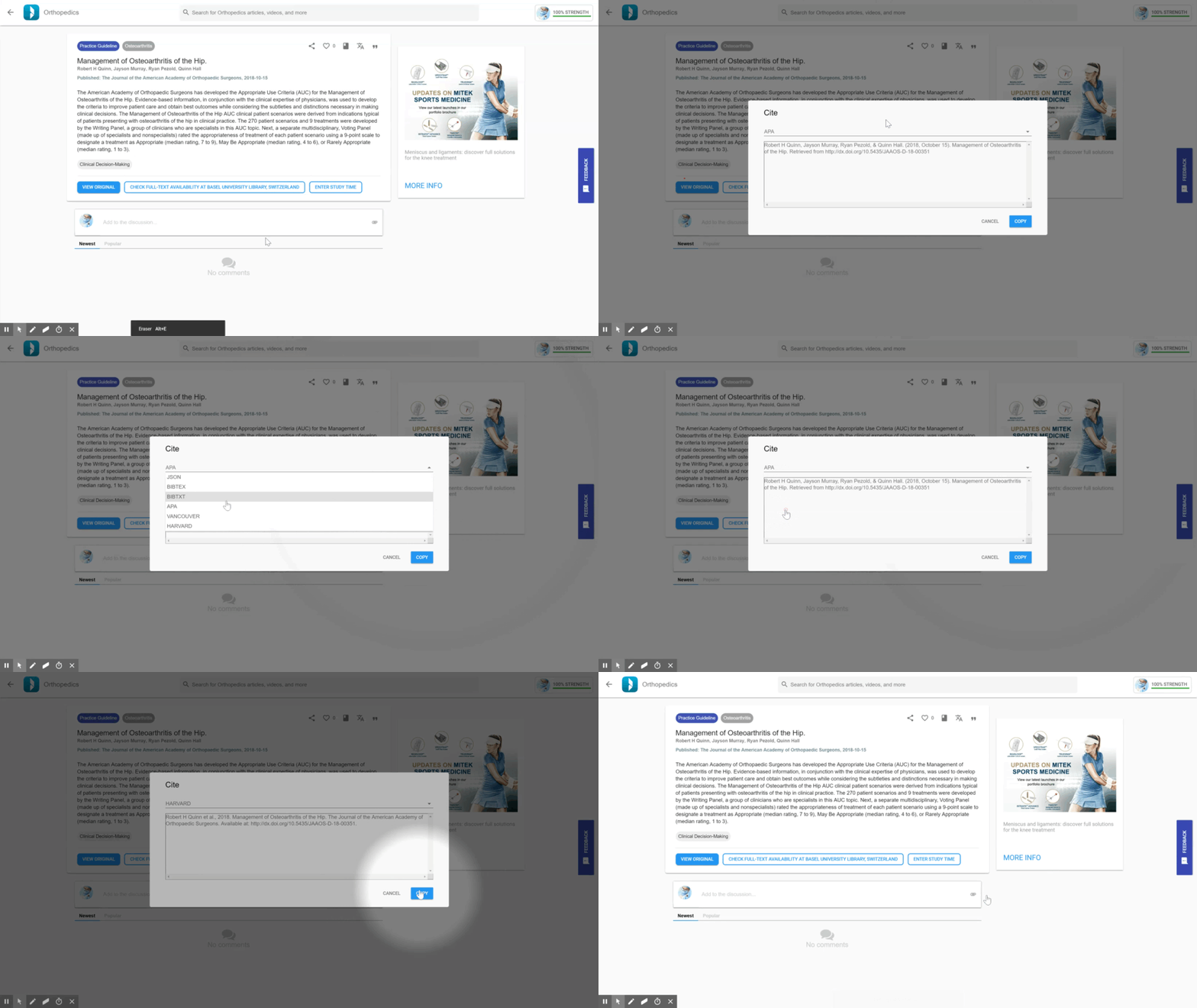
How to Cite an Article
Citing an article
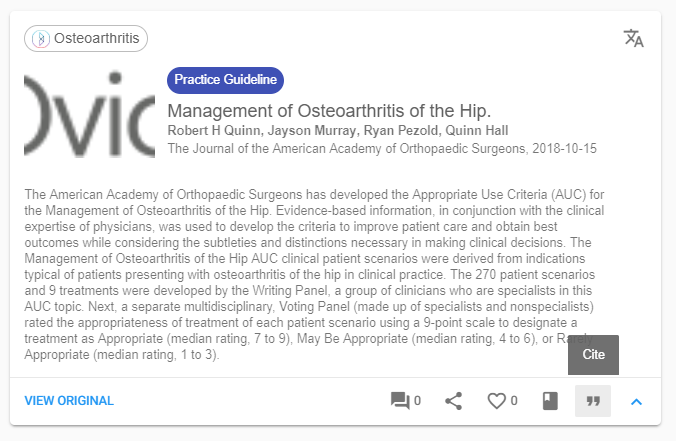
- To cite an article, get started by clicking the "Cite" icon.
You can find the cite icon on all article cards and their respective reader pages.
Choosing which citation format to use
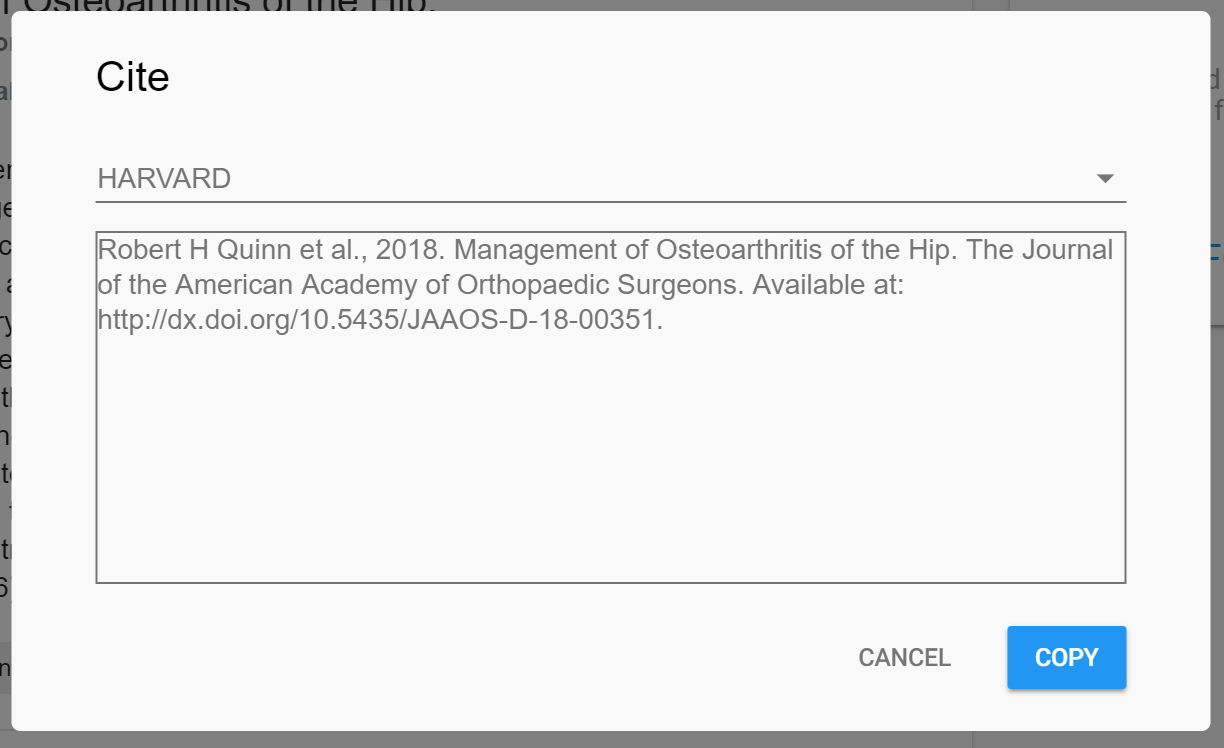
- By default the chosen format is APA.
- In total you can select from 6 formats including Harvard and BIBTXT.
- Make sure to select your preferred format by selecting it from the drop-down menu.
Currently the citation feature is only available on the web apps.